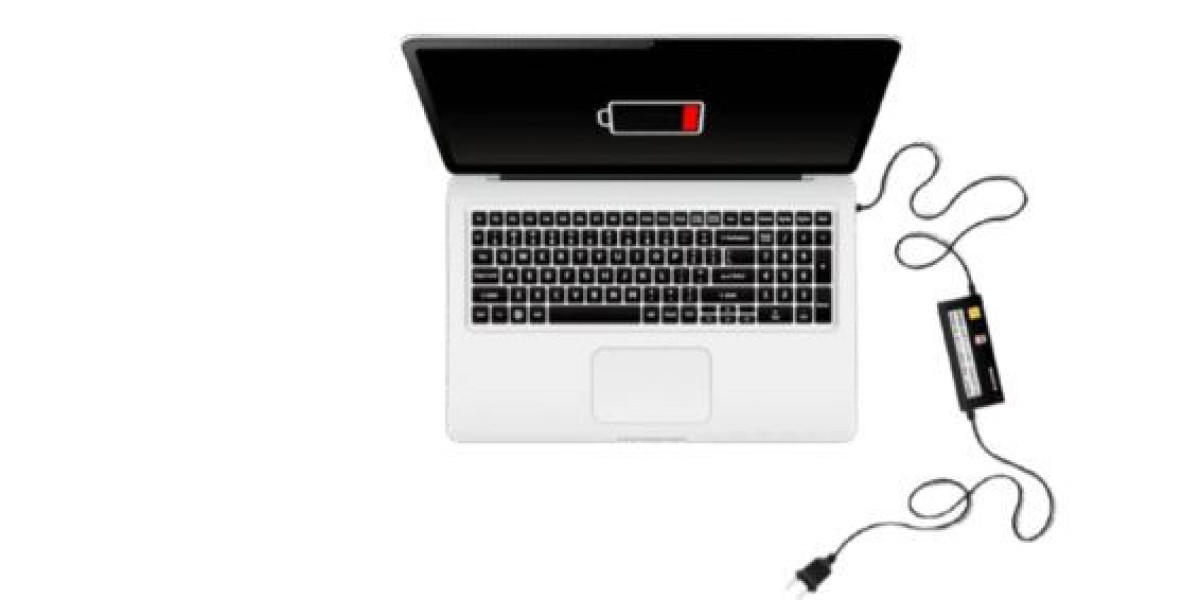

Lenovo ThinkPad Charging But Not Turning On – Complete Guide
It can be frustrating when your Lenovo ThinkPad is charging but not turning on. While the battery may receive power, the laptop fails to boot, leaving you unable to use it.
This problem can result from hardware faults, BIOS issues, or internal component failures. Understanding the cause is key to resolving the issue efficiently.
This guide provides step-by-step solutions to troubleshoot and fix a Lenovo ThinkPad that charges but won’t power on.
Common Symptoms
- Laptop shows charging light but doesn’t start
- No display appears on the screen
- Fans may not spin or spin briefly
- External peripherals may not respond
- Intermittent or partial power attempts
Main Causes of Lenovo ThinkPad Charging But Not Turning On
1. Faulty Power Adapter or Battery
Even if the charging light is on, the adapter or battery may not supply sufficient power to boot the laptop.
2. Hardware Issues
Damaged motherboard components, faulty RAM, or a defective power circuit can prevent the laptop from turning on, despite charging.
3. BIOS or Firmware Problems
Corrupted BIOS or firmware may block startup, even when the battery is charging.
4. Overheating
Excess heat can cause safety shutdowns, preventing the laptop from powering on until internal components cool down.
5. Loose Internal Connections
Disconnected cables, RAM, or storage drives can stop the laptop from booting while still showing a charging indicator.
Step-by-Step Troubleshooting for Lenovo ThinkPad Charging But Not Turning On
Step 1: Verify Power Adapter and Battery
- Ensure the AC adapter is working and connected properly
- If the battery is removable, disconnect it and try powering the laptop with the AC adapter only
Step 2: Perform a Hard Reset
- Disconnect AC adapter and battery
- Press and hold the power button for 30 seconds
- Reconnect the adapter (and battery if removable)
- Attempt to turn on the laptop
Step 3: Inspect Internal Components
- Reseat RAM modules and check for loose connections
- Ensure no visible damage to the motherboard or connectors
Step 4: Try External Peripherals
- Disconnect all external devices
- Sometimes connected peripherals can interfere with startup
Step 5: BIOS Recovery or Reset
- Use Lenovo BIOS recovery methods to restore default firmware settings
- This may resolve boot issues caused by corrupted BIOS
Step 6: Seek Professional Repair
- If the laptop still charges but doesn’t turn on, professional repair is required
- Common repairs include motherboard replacement, RAM repair, or power circuit fixes
Tips to Prevent Charging But Not Turning On Issues
- Use original Lenovo adapters and batteries
- Keep the laptop cool and ensure proper ventilation
- Avoid sudden power surges; use surge protectors
- Keep BIOS and drivers updated
- Handle the laptop carefully to avoid internal damage
When to Replace Battery, Adapter, or Motherboard
- Battery doesn’t hold charge or is old
- Adapter supplies insufficient or fluctuating power
- Laptop refuses to turn on after all troubleshooting steps
- Hardware components like motherboard or RAM are damaged
Final Thoughts
A Lenovo ThinkPad charging but not turning on can have multiple causes, from battery issues to hardware or BIOS faults. Following this guide helps identify the root cause and restore your laptop to working condition.
Persistent issues usually indicate a hardware problem, and professional repair ensures safety and reliability.